What Is MFA (Multi-Factor Authentication) — and Why It’s So Important
December 10, 2025
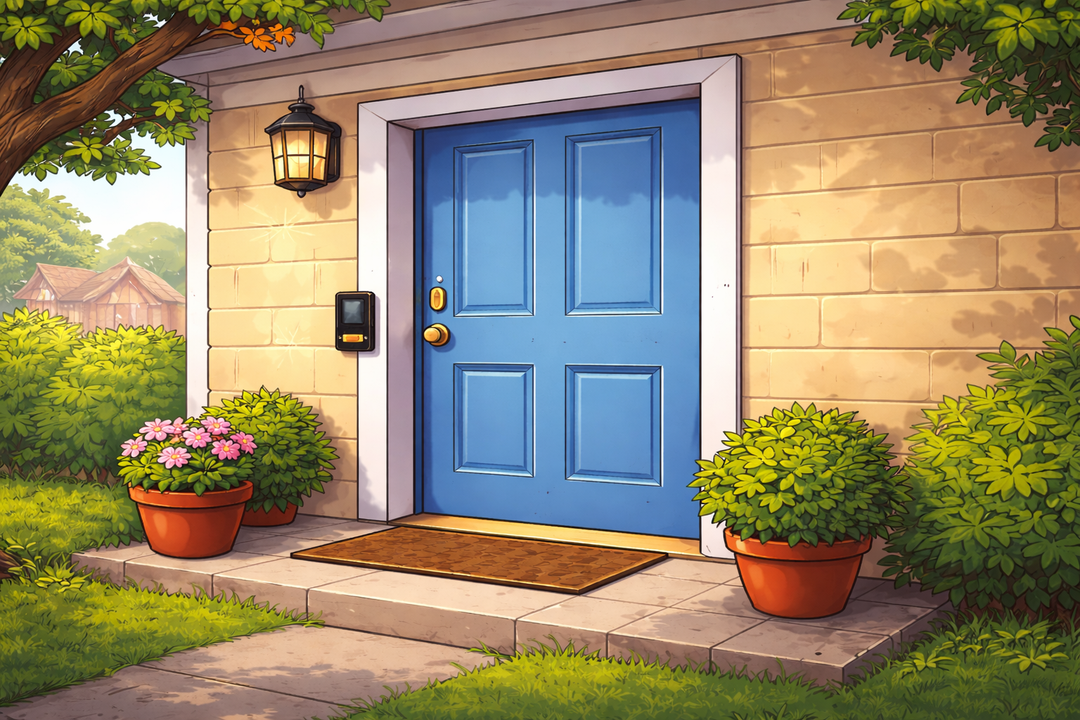
Imagine you lock your front door every night. Good job!
But what if someone found a copy of your key?
That’s where Multi-Factor Authentication (MFA) comes in. It’s like adding a deadbolt and a security camera — extra layers that make it much harder for intruders to sneak in, even if they have your password.
🔐 What MFA Means
Multi-Factor Authentication means you prove your identity in more than one way when logging in.
You combine two or more of these factors:
- Something you know — your password or PIN.
- Something you have — a code sent to your phone, an authenticator app, or a physical security key.
- Something you are — fingerprint, face ID, or voice recognition.
To get into your account, a hacker would need all of those, not just one. That’s why MFA is one of the simplest, most effective defenses against online theft and scams.
📱 Common Types of MFA
- Text or Email Codes: After entering your password, you get a temporary code to confirm it’s really you.
- Authenticator Apps (like Authy, Microsoft Authenticator, or Google Authenticator): These generate one-time codes that refresh every 30 seconds.
- Hardware Security Keys (like YubiKey): A physical key you plug in or tap to log in securely.
- Biometrics: Your fingerprint, face, or voice adds an identity check that can’t be easily stolen.
🧠 Why MFA Matters
Passwords are often stolen through phishing, data breaches, or reused logins.
But even if scammers grab your password, MFA can stop them cold — because they’d still need that second piece of proof.
According to Microsoft, MFA can block over 99% of automated attacks. That’s huge.
💡 Quick Tips
- Turn on MFA for every account that offers it — especially email, banking, and social media.
- Avoid using text messages if you can; app-based or hardware methods are more secure.
- Don’t share MFA codes with anyone — scammers often trick users into reading them aloud from a text message or email.
🧭 The Takeaway
Think of MFA as your digital double-check — a tiny extra step that stops massive headaches.
It’s one of the easiest ways to keep scammers locked out and your personal data safe.